
Dispatch
Dispatch works one queue and builds tomorrow's runs from it
Requests stop arriving by phone, text, email and memory. They arrive in one list with a ticket number, and tomorrow's runs are built from that list instead of from paper.
Request a demo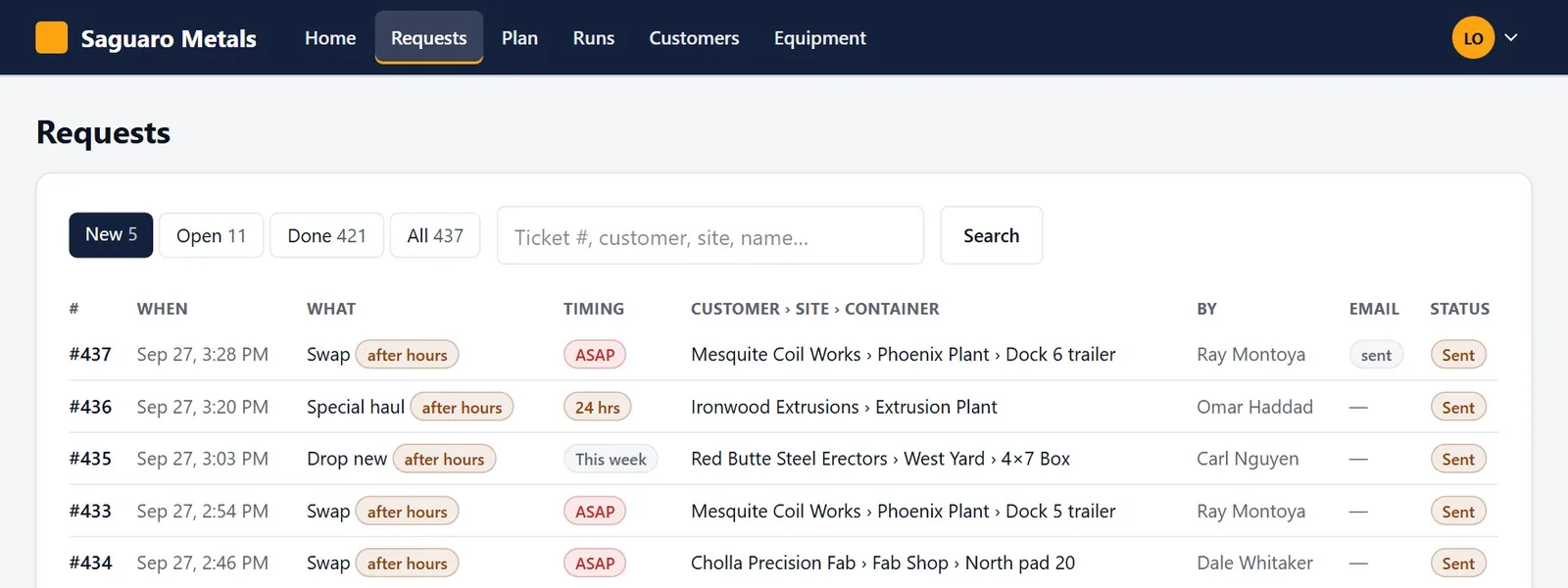
Today
What goes wrong without it
Requests reach dispatch second-hand, from whoever took the call.
Tomorrow's runs are rebuilt every afternoon from paper tickets and a spreadsheet.
A request sent after hours is found the next morning, or not at all.
There is no proof the customer was told when the truck is coming.
The screens
What they see in BinCall
The queue
New, open and done. Search by ticket, customer, site or name. ASAP is in red and after-hours requests are flagged.
The ticket
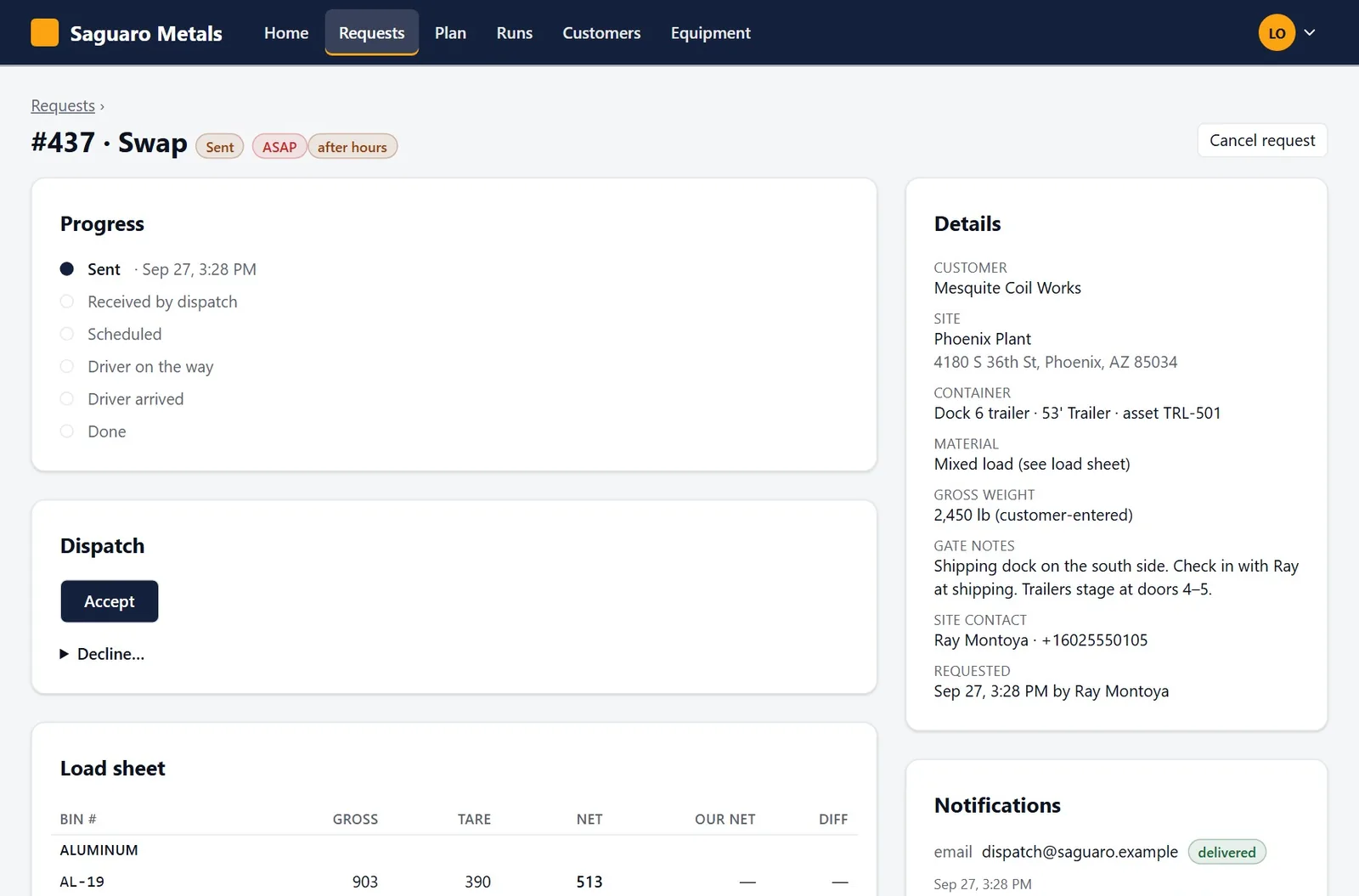
Site, gate notes, contact, weights and the customer's note. Accept it, or decline it with a reason the customer sees.
The planner
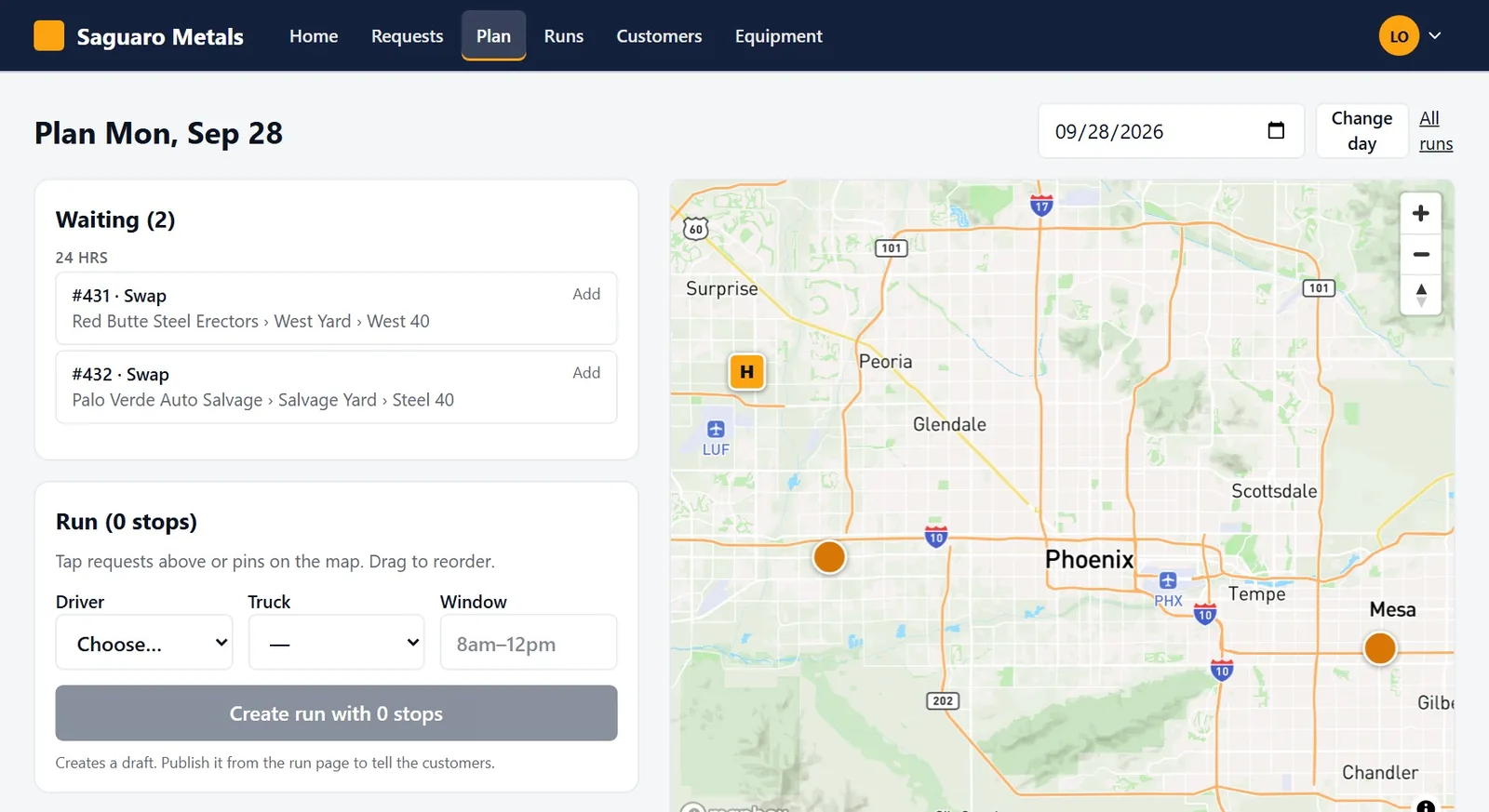
Accepted requests on a list and on a map, colored by urgency. Add them to a run and drag the stops into order.
The run
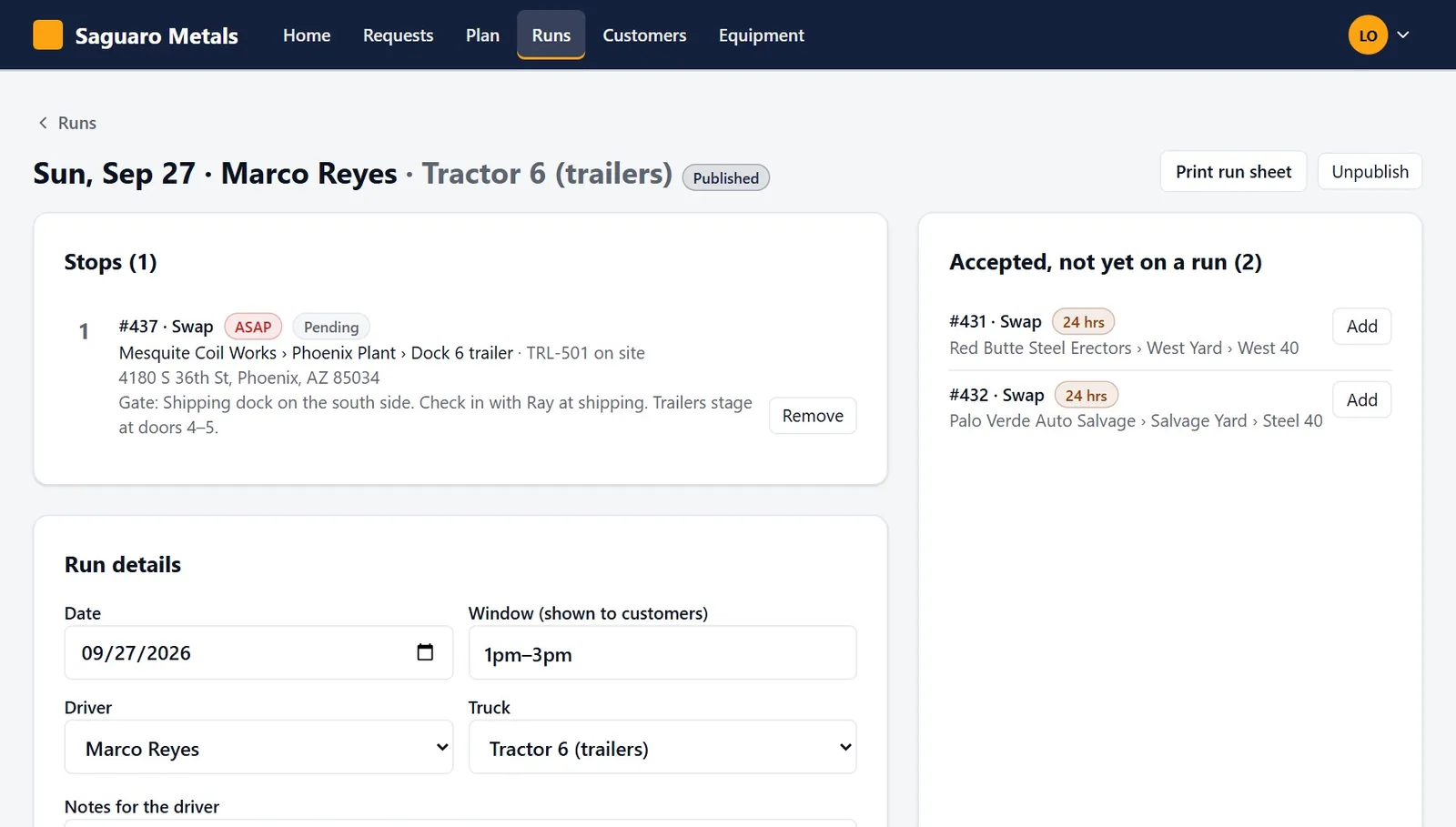
Driver, truck and window. Publish it and every customer on the run is told. Print the run sheet if you still want paper.
Capabilities
What it does
One queue
Every request, from every customer and every rep, in one list with its ticket number, timing and status.
Accept or decline
Decline with a reason the customer sees. Add internal notes the customer does not.
A net under the inbox
Each request is also emailed to your dispatch inbox. If that email is not confirmed delivered in ten minutes, your dispatch phones and the rep get a text.
After hours
Set your business hours and an after-hours message. Night requests get your reply and are flagged in the morning.
Plan on a map
See tomorrow's accepted requests where they are, then build the run in the order the truck will drive it.
Publish, change, unpublish
Publishing tells every customer the date, window and driver. Change the run and they are told again.
Run sheets
One printed page per driver, with blanks for weight, time and signature.
Every message on record
Each text and email sent for a request is listed on the ticket with its delivery status.
Request a demo
See a full swap, start to finish
We walk you through one request on the real screens: the customer's phone, the dispatch queue, the driver's stops and the scale house. Bring the questions your dispatcher would ask.